SaladBar Meals
Subscription-based healthy meal delivery app with QR code vending machine pickup. Users choose dietary packages (Low-carb, Balanced), select weekly/monthly plans, customize meal combos, and collect meals by scanning QR codes on vending machines. Features a built-in wallet system with Apple Pay integration.
Key Highlights
Led a team of developers, resulting in increased company revenue and new business opportunities
4-step onboarding with illustrated slides: snack anytime, freshness monitoring, taste variety, seamless QR pickup
Two audience modes: Office employees and Gym-goers with tailored packages
Dietary packages: Low-carb and Balanced with detailed nutritional descriptions
Weekly (400 SAR) and Monthly (1200 SAR) subscription plans
QR code scanning to retrieve meals from vending machines
Built-in wallet with Apple Pay, Visa/Mastercard recharge, and transaction history
Weekly meal tracker with day-by-day progress visualization
Combo meal selection with weight, calorie count, and date-based scheduling
Apple PassKit & Google Wallet digital card integration for Moyasser payment gateway
App Walkthrough — 21 Screens
Splash & Onboarding
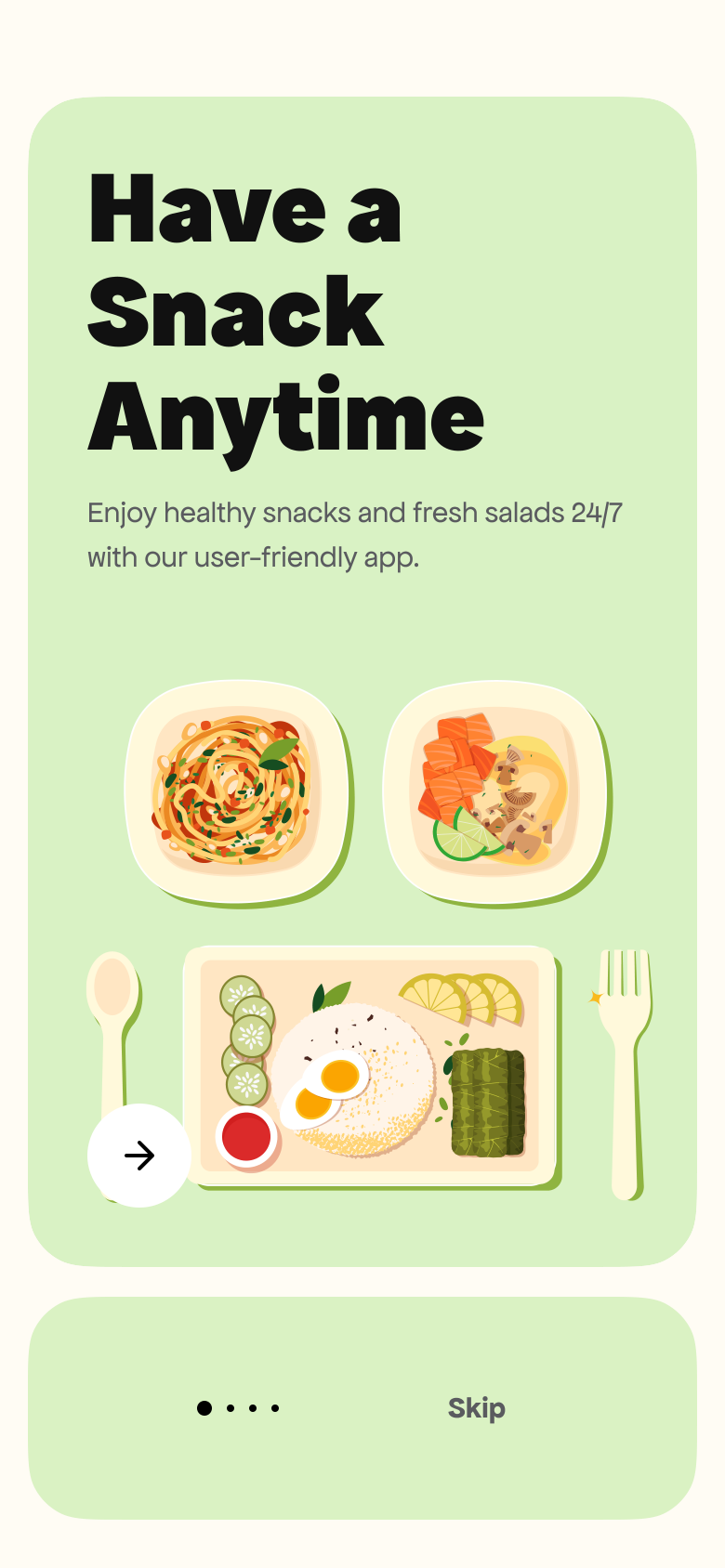
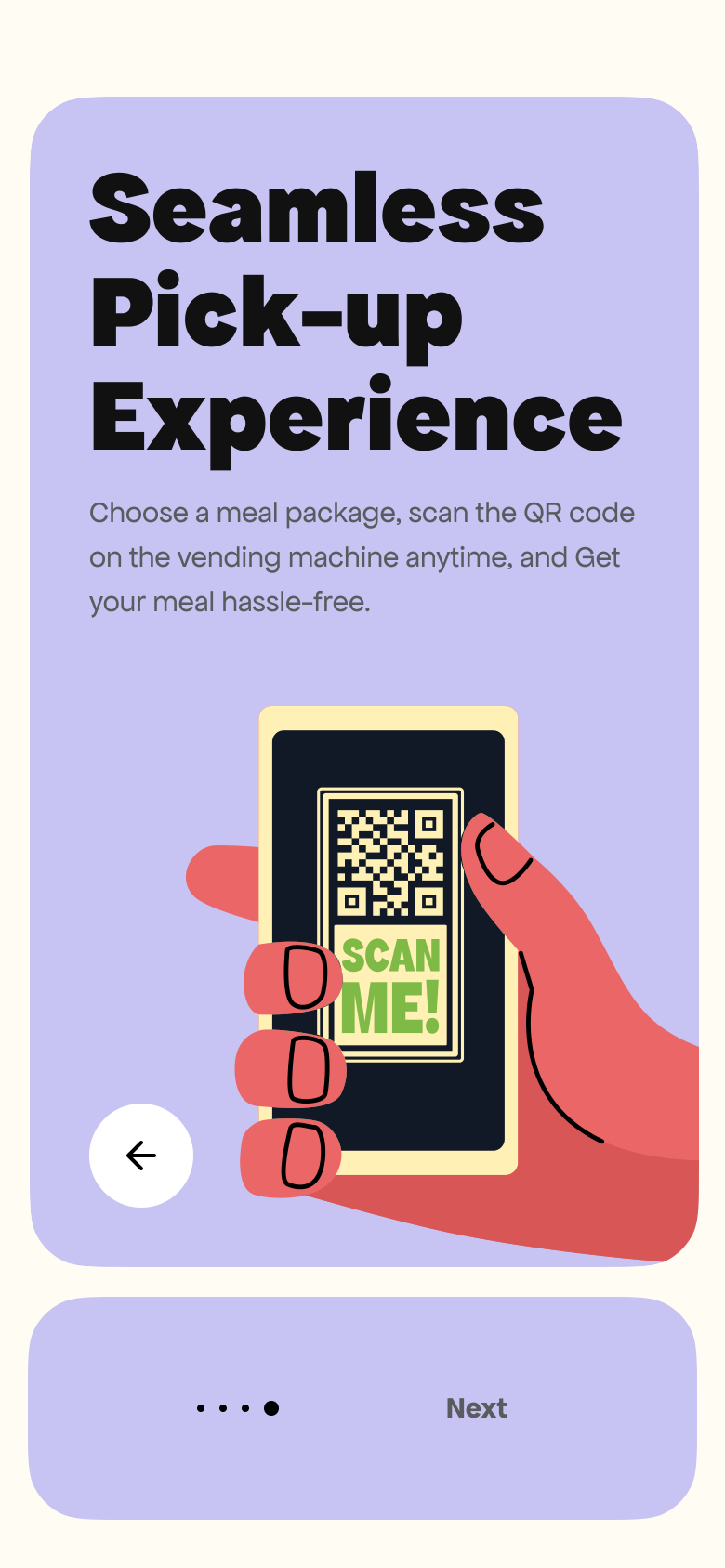
The app opens with the SaladBar bilingual logo (Arabic/English) on a warm cream background. A 4-slide onboarding introduces the service: “Have a Snack Anytime” with illustrated food trays, “It’s Always Fresh” highlighting remotely monitored vending machines, “Pick Your Taste” showcasing variety, and “Seamless Pick-up Experience” explaining the QR code flow.

Splash Screen
Onboarding — Snack Anytime
Onboarding — QR Pickup
| # | Screen |
|---|---|
| 1 | Splash Screen |
| 2 | Onboarding — Snack Anytime |
| 3 | Onboarding — QR Pickup |
Authentication & Profile
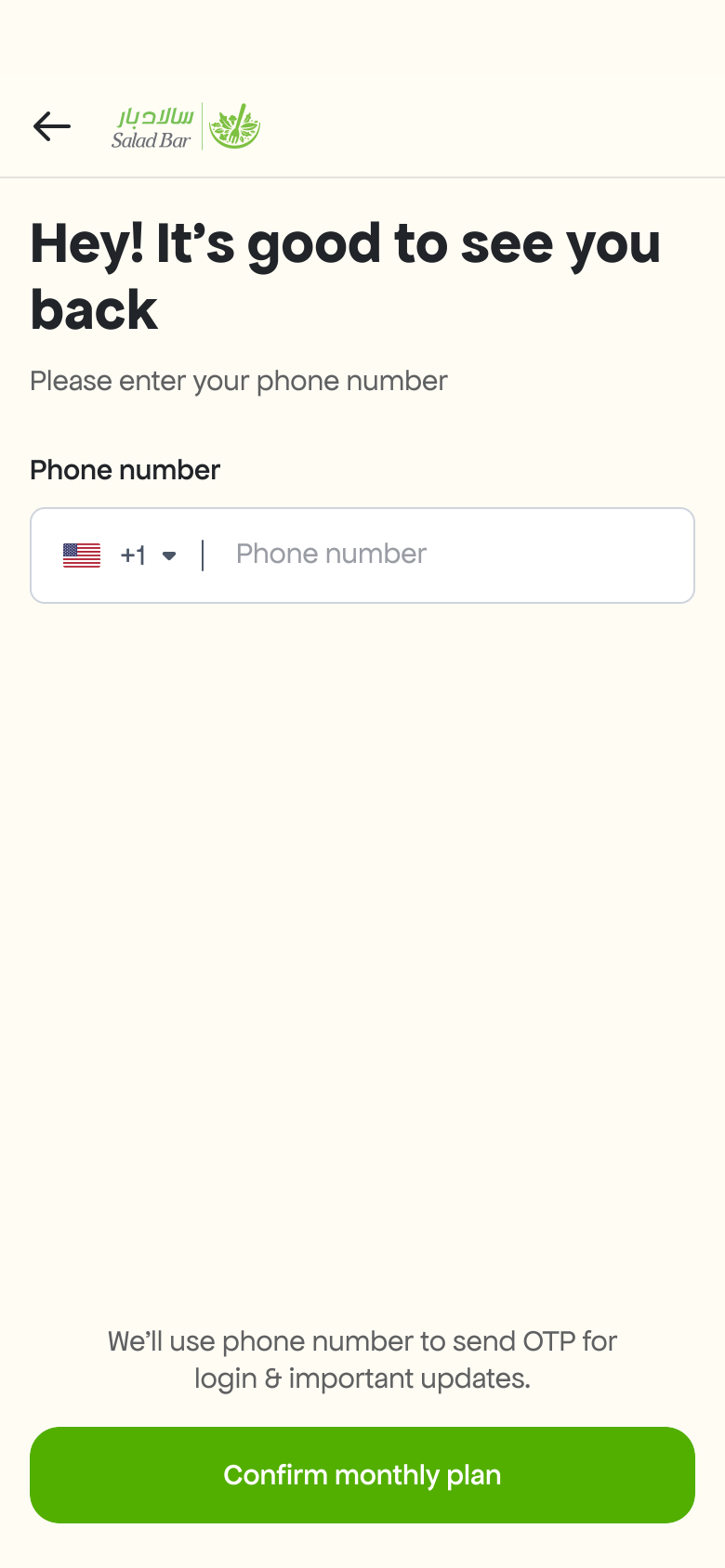
Users log in with their phone number and verify via OTP. New users complete a 2-step registration: name & email, then date of birth, workplace (e.g. Ministry of Higher Education), and gender. A success screen confirms verification with a hexagonal checkmark animation.
Phone Login
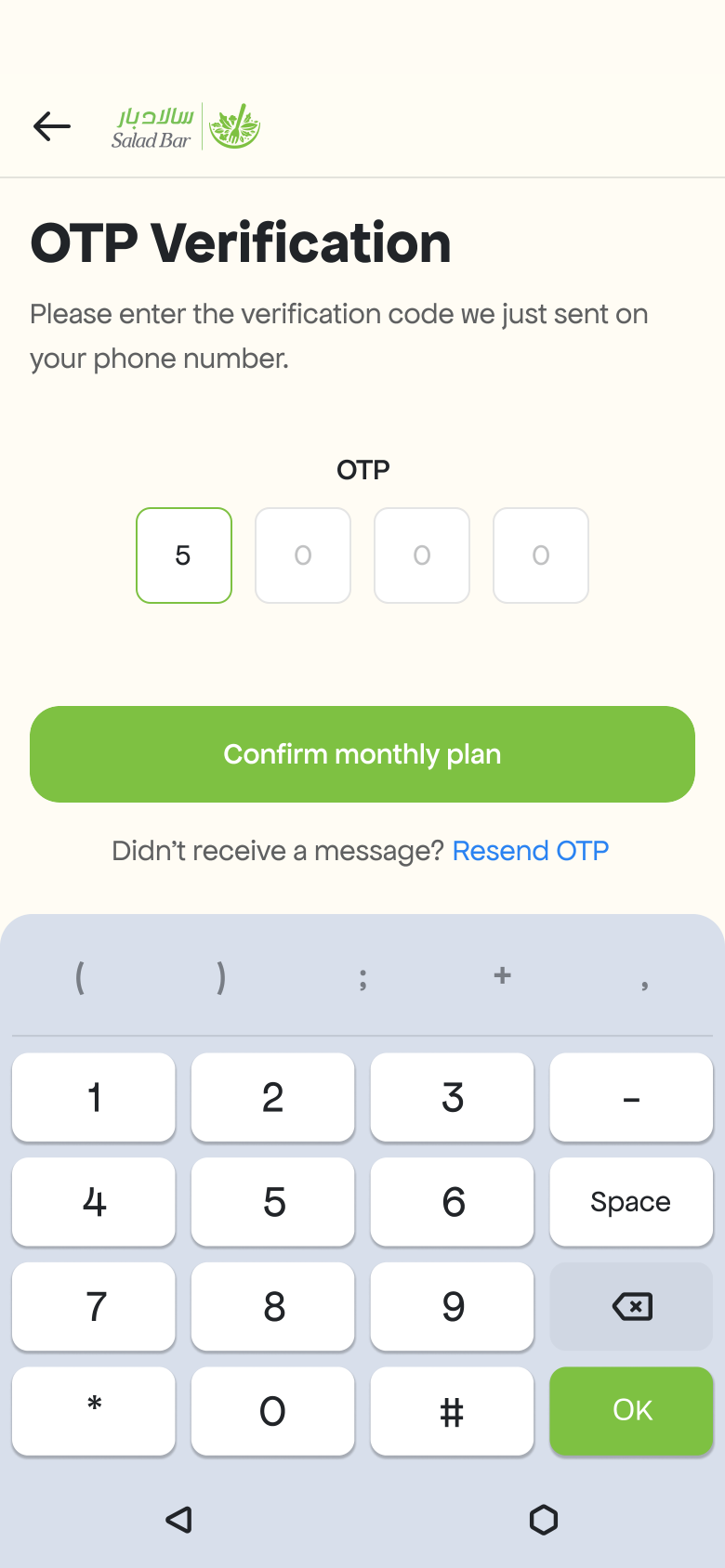
OTP Verification
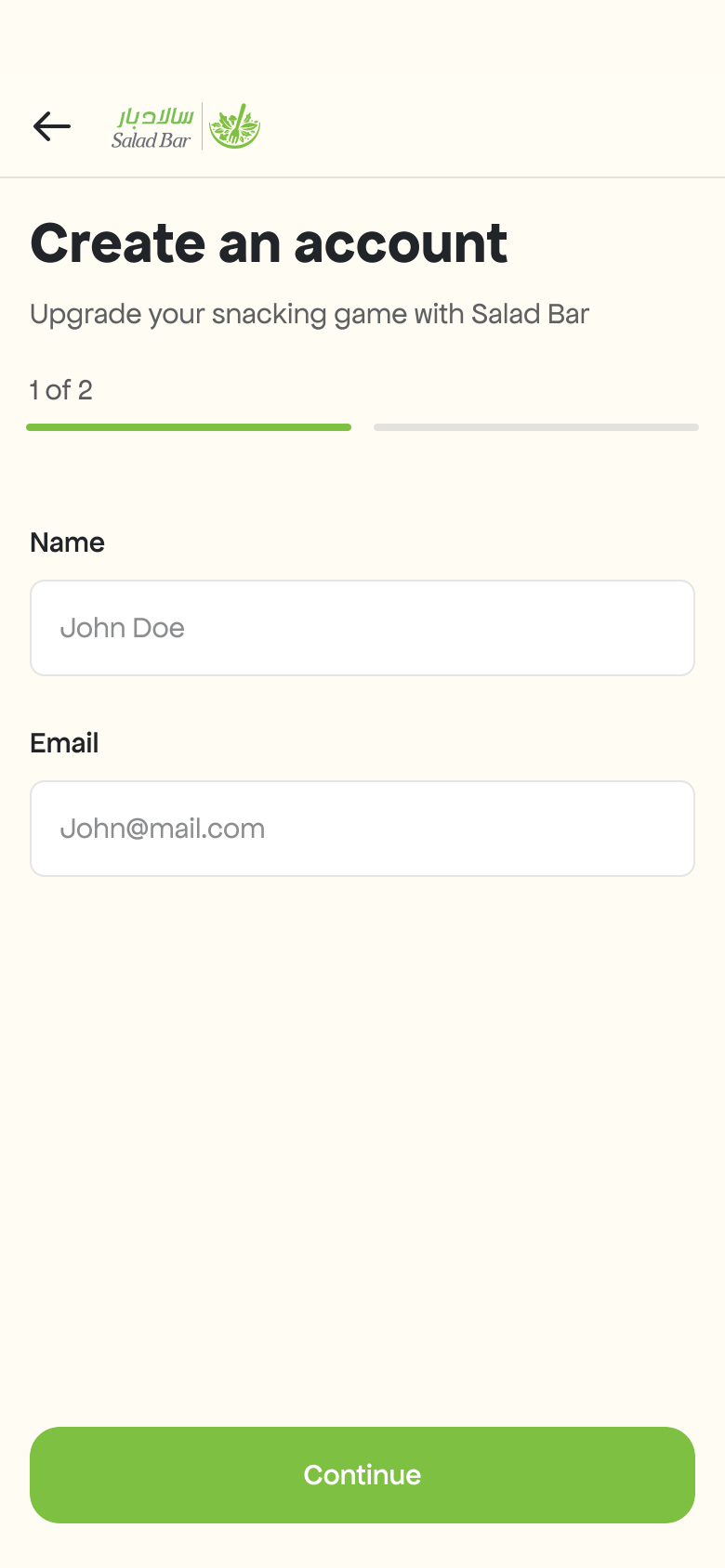
Create Account (Step 1)
| # | Screen |
|---|---|
| 1 | Phone Login |
| 2 | OTP Verification |
| 3 | Create Account (Step 1) |
Dietary Packages & Plans
Users choose their audience mode — “Meals for employees” (office) or “Meals for Gym bros” (fitness). Then select a dietary package: Low-carb or Balanced, each with detailed nutritional descriptions and food photography. Plans are available as Weekly (400 SAR) or Monthly (1200 SAR) subscriptions.
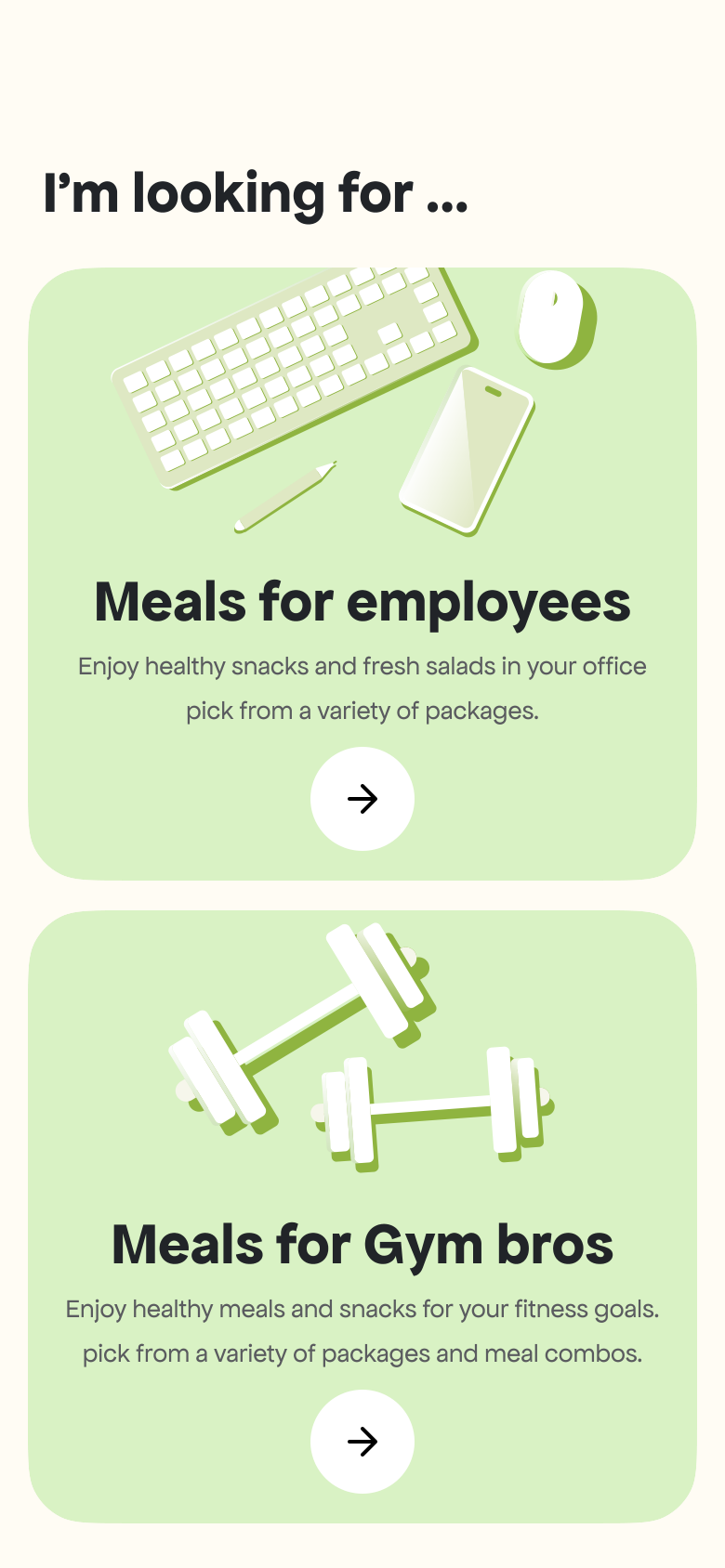
Audience Selection
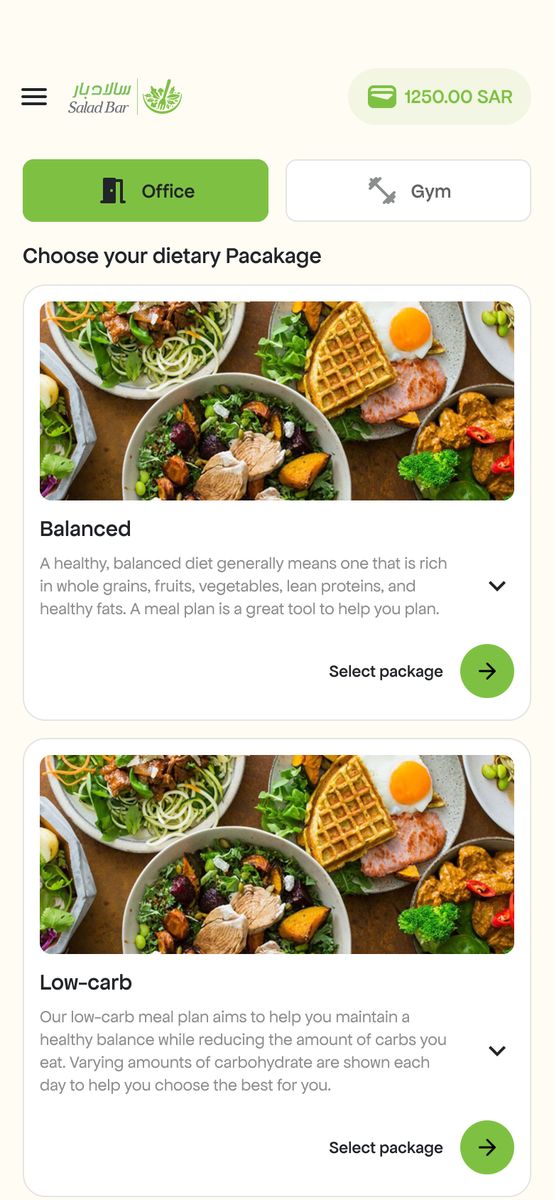
Dietary Packages
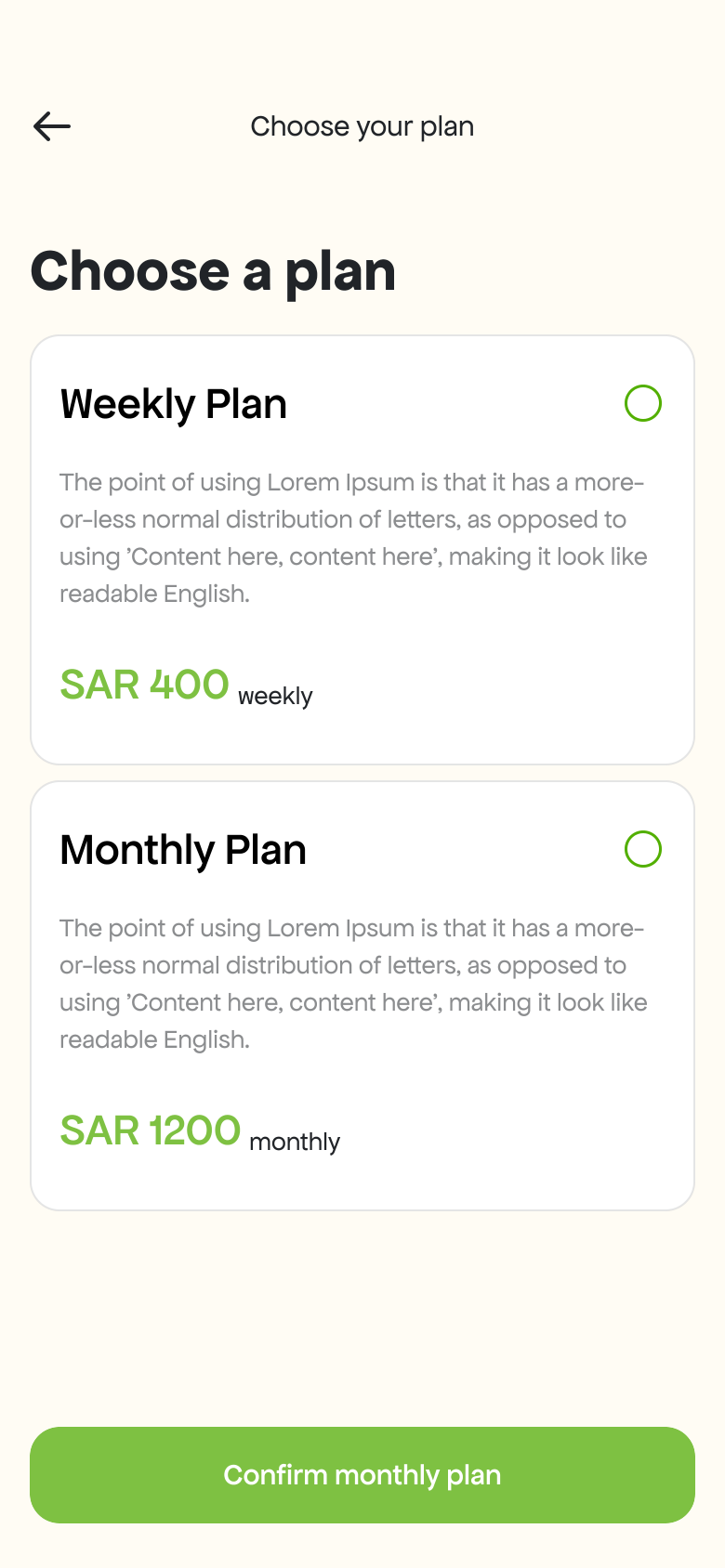
Plan Selection
| # | Screen |
|---|---|
| 1 | Audience Selection |
| 2 | Dietary Packages |
| 3 | Plan Selection |
Meal Selection & Combos
Users select subscription days and pick meals for each day from available combos. Each combo shows food photos, weight in grams, and calorie count. A starting day picker lets users choose when their subscription begins. The checkout screen shows an order summary with coupon support and Salad Bar Wallet as the payment method.
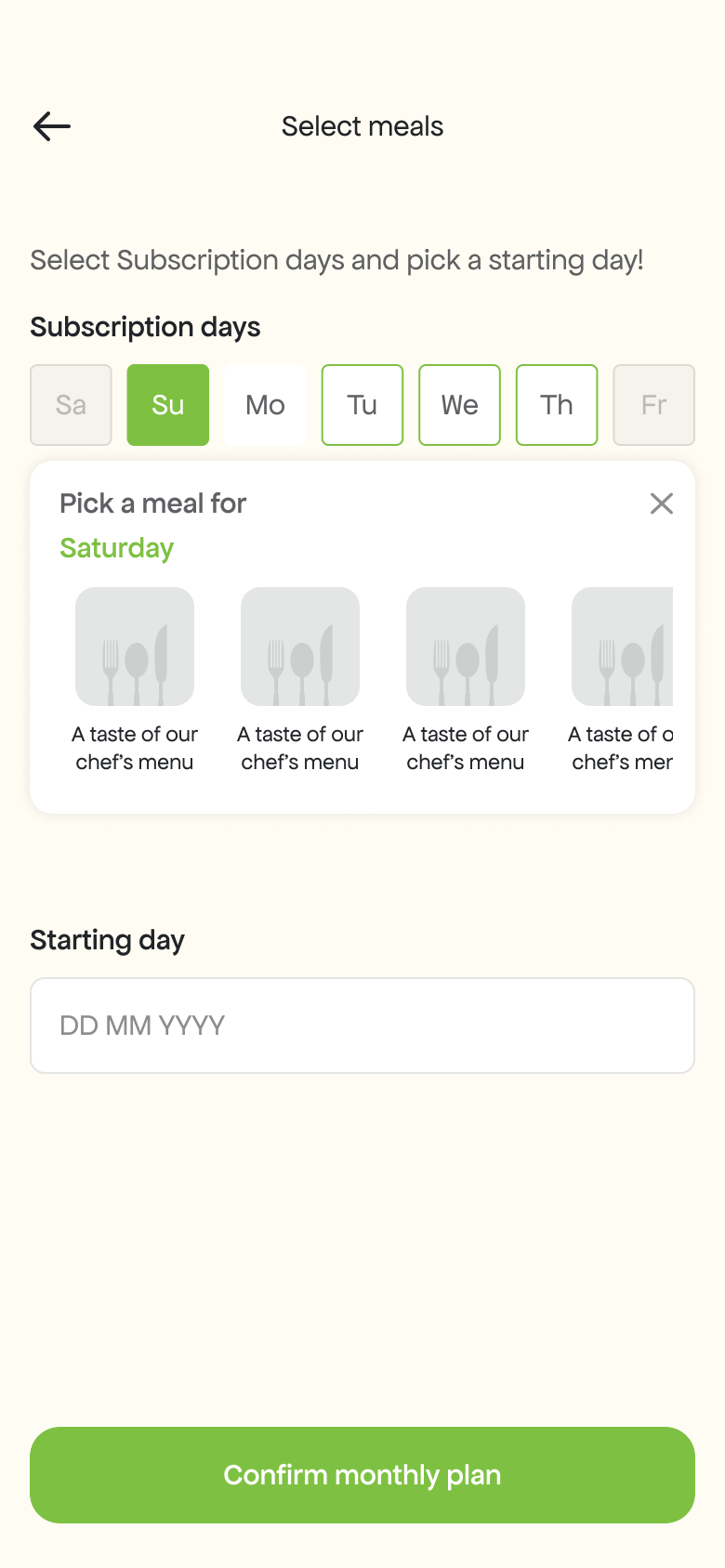
Select Meals & Days
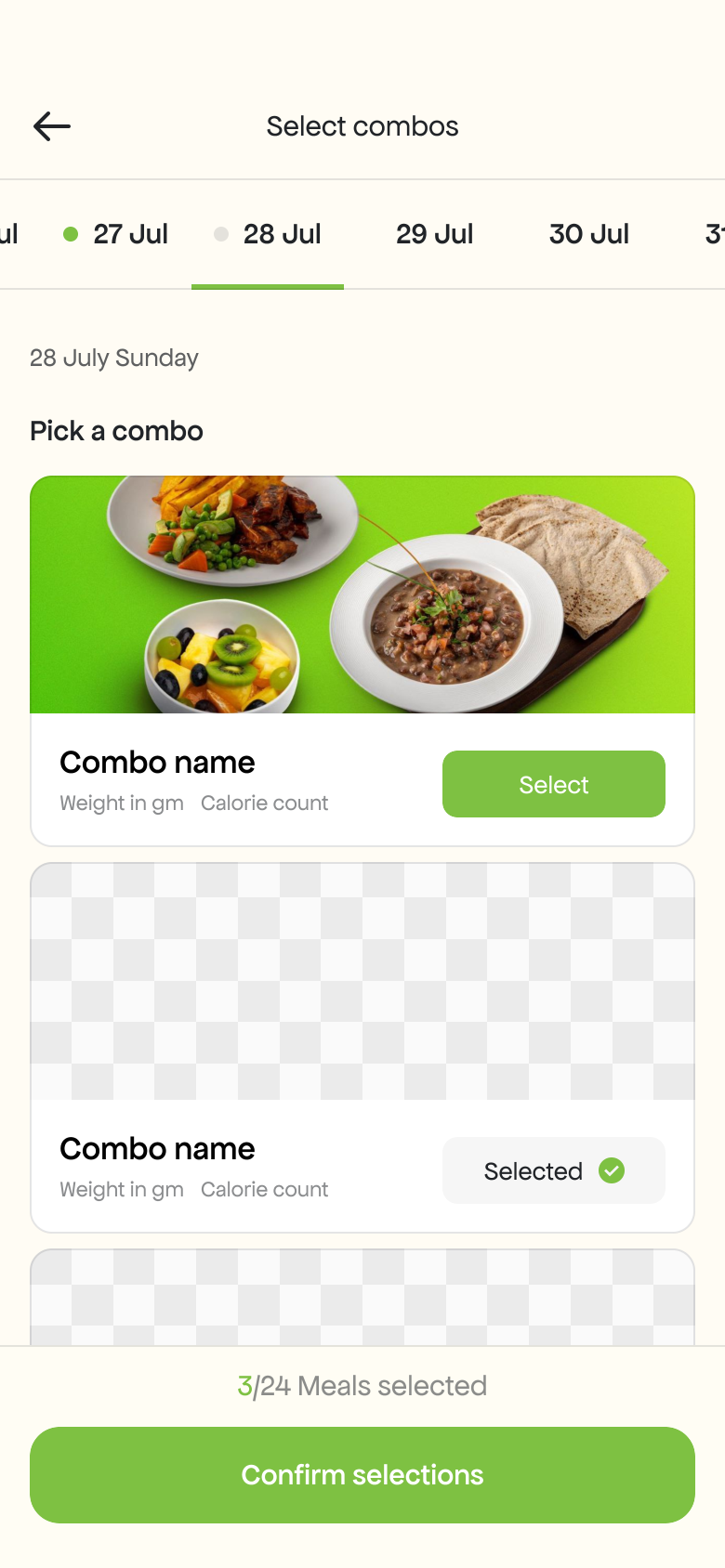
Pick a Combo
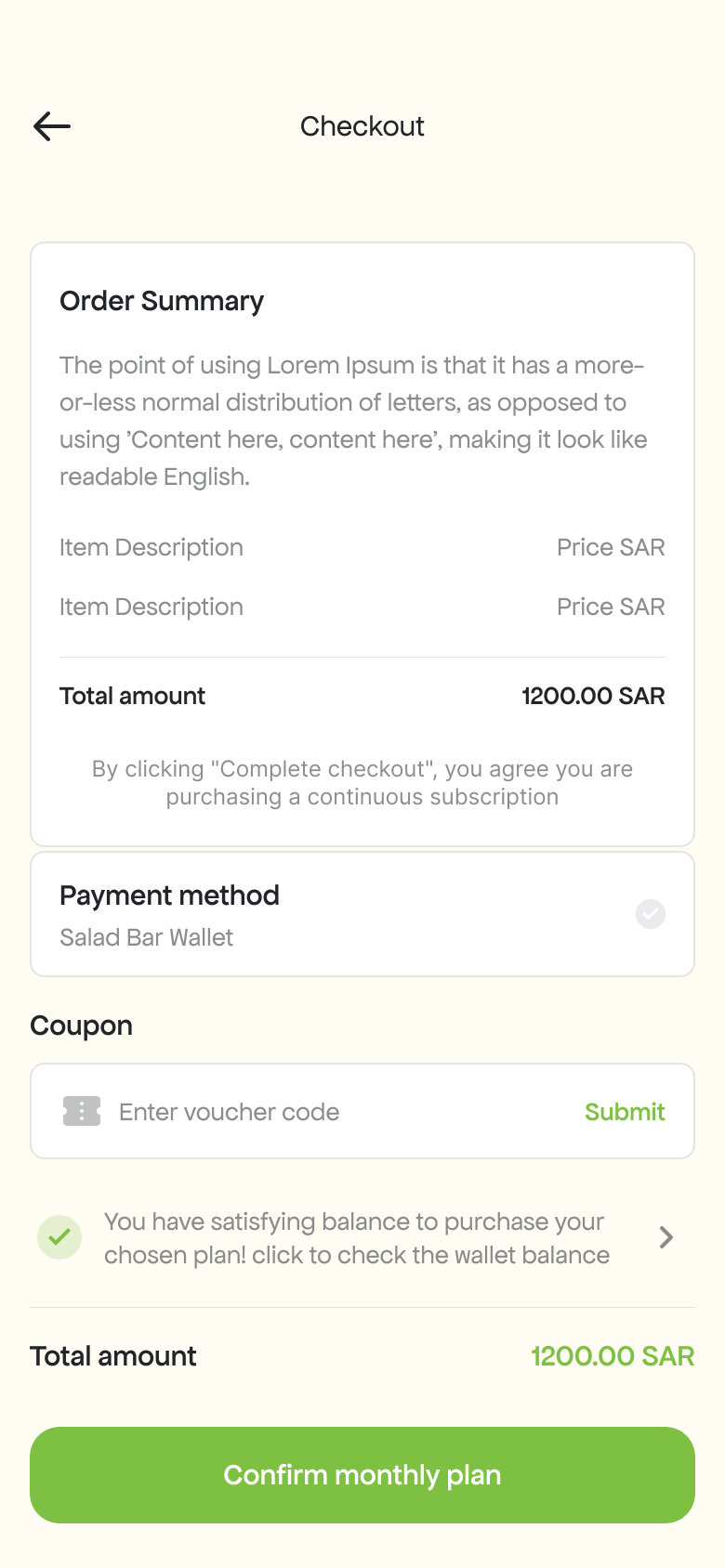
Checkout
| # | Screen |
|---|---|
| 1 | Select Meals & Days |
| 2 | Pick a Combo |
| 3 | Checkout |
Home & QR Vending
The home dashboard greets the user by name, shows today’s or tomorrow’s meal with photo, weight, and calories, and a weekly meal tracker with day-by-day progress dots. The “Get Your Meal” button opens the QR scanner to scan the vending machine code. The camera recognizes the machine and dispenses the meal.
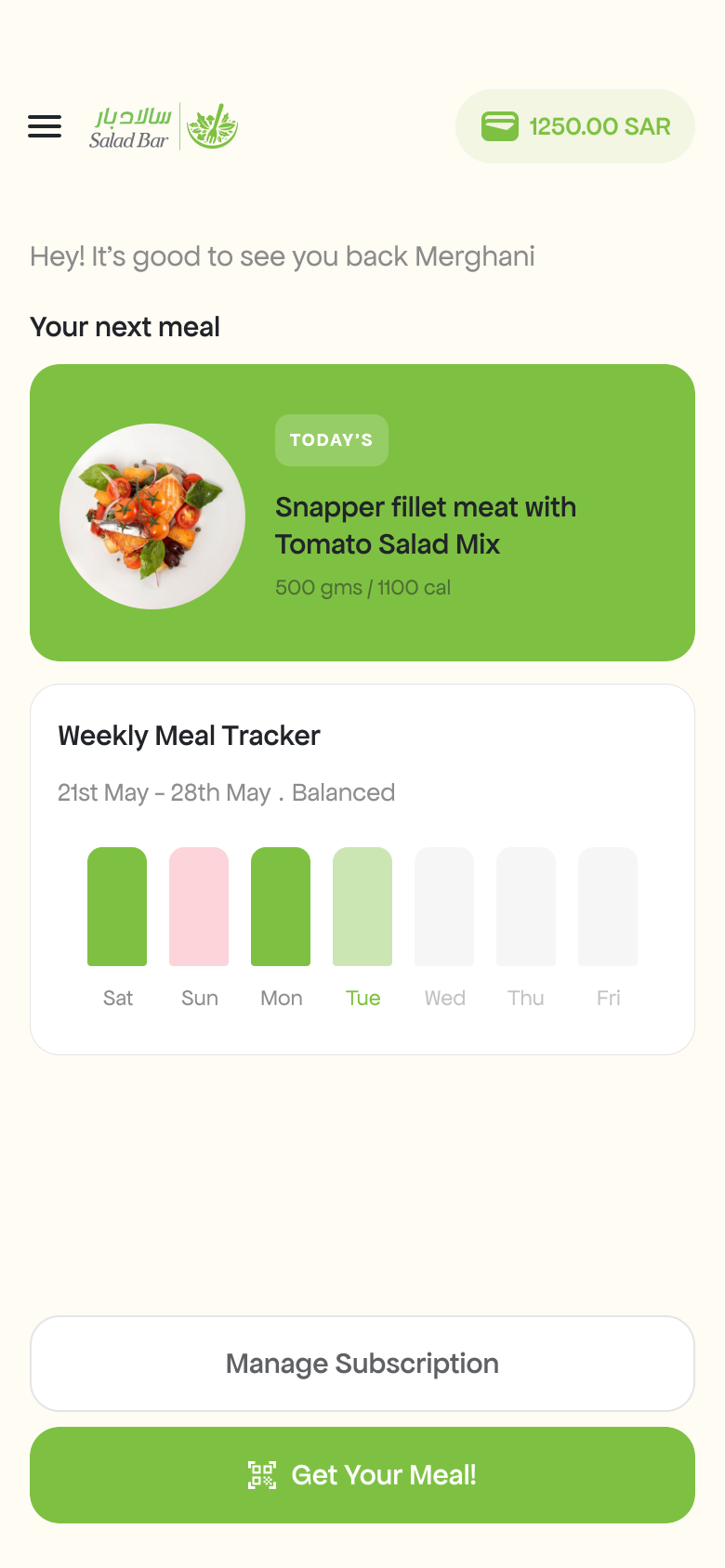
Home — Today’s Meal
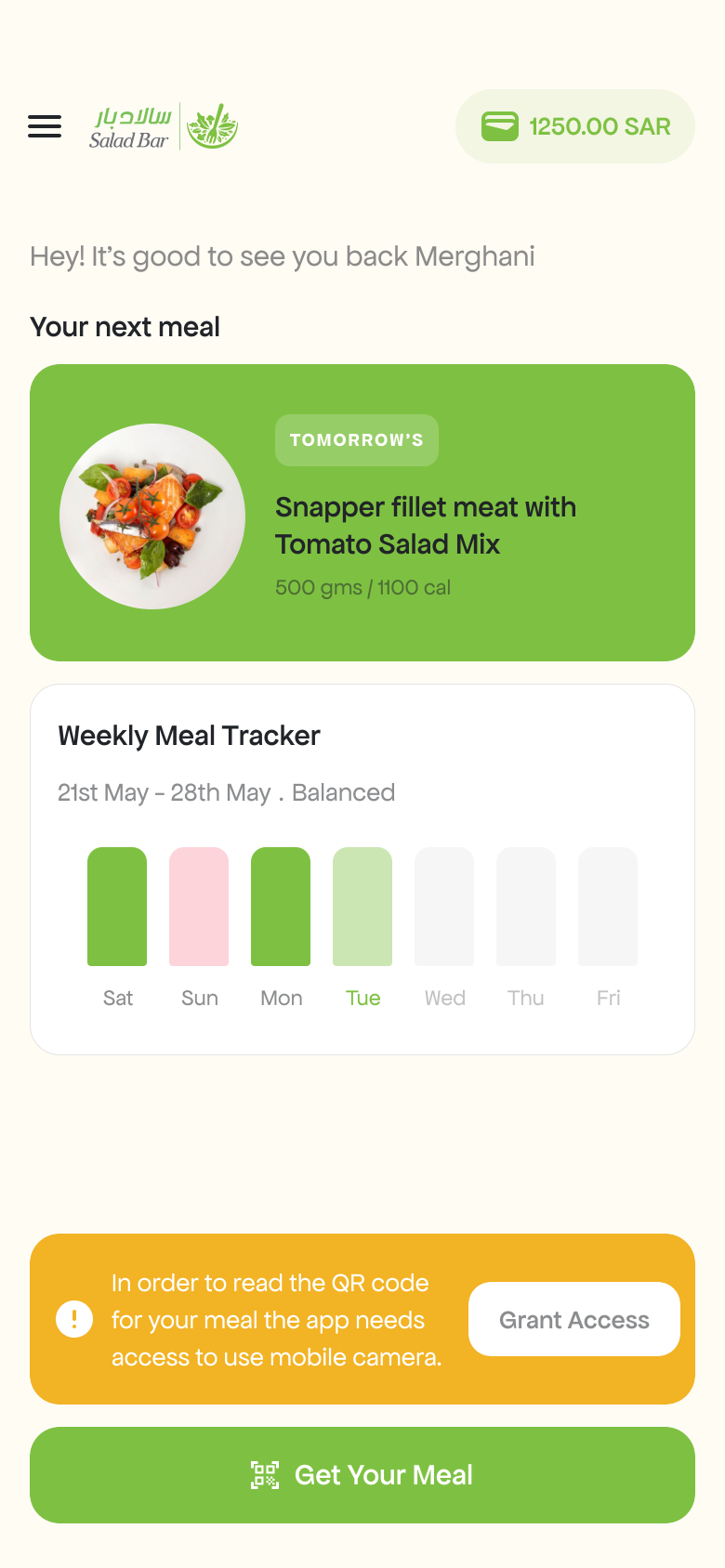
Home — Tomorrow’s Meal
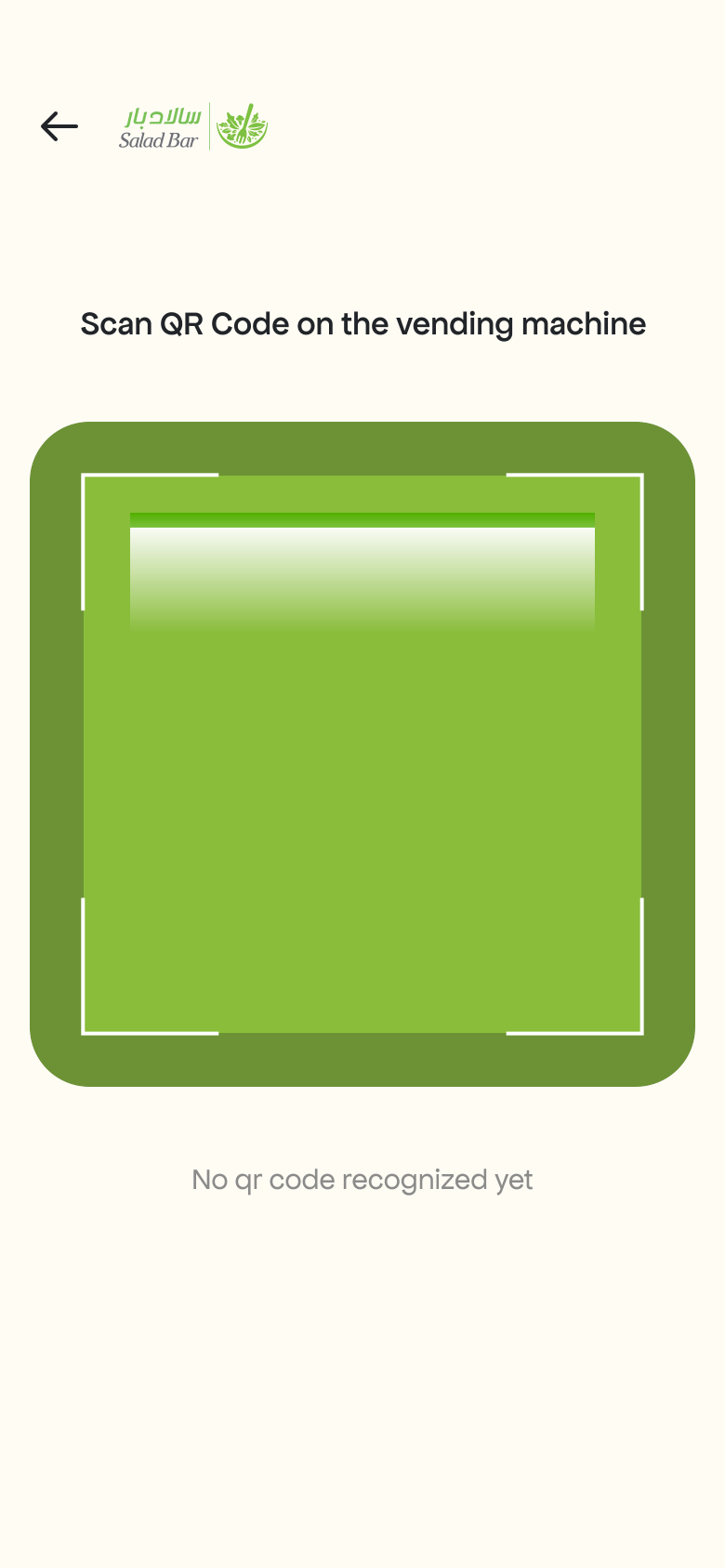
QR Code Scanner
| # | Screen |
|---|---|
| 1 | Home — Today’s Meal |
| 2 | Home — Tomorrow’s Meal |
| 3 | QR Code Scanner |
Wallet & Payments
The built-in Salad Bar Wallet displays the current balance in SAR with a colorful illustrated header. Users recharge with preset amounts (100–1000 SAR) or custom amounts. Payment supports Apple Pay and manual card entry (Visa, Mastercard). Transaction history shows credited and debited entries.
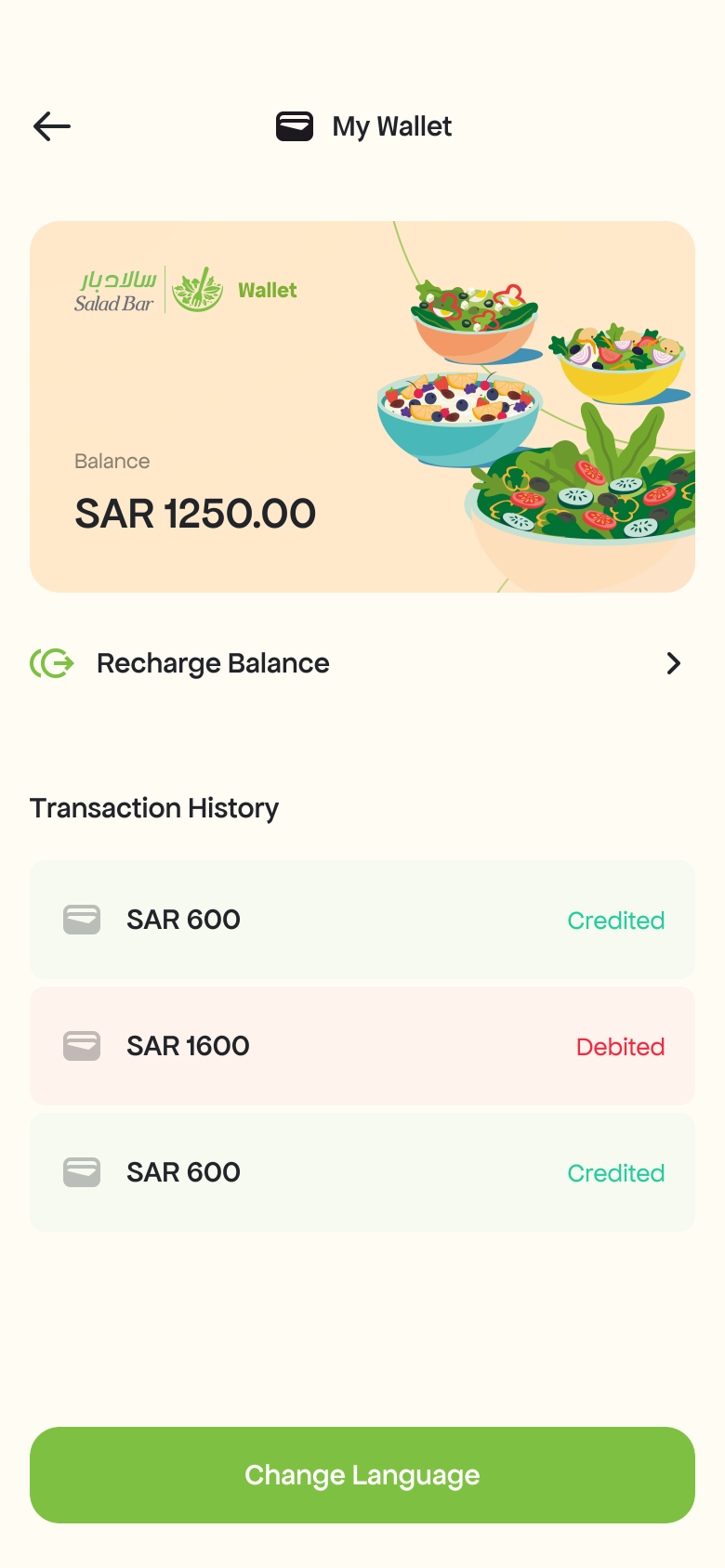
Wallet Balance
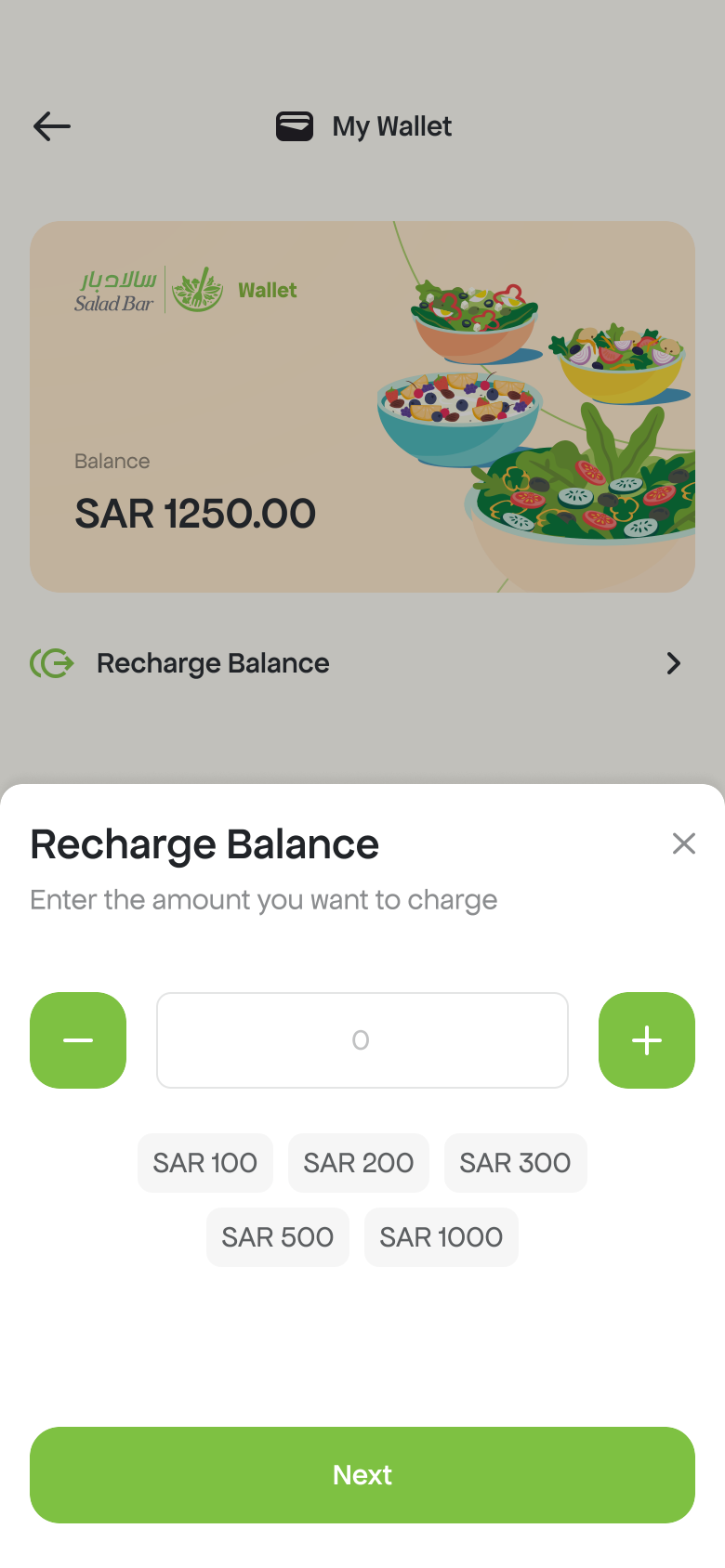
Recharge Balance
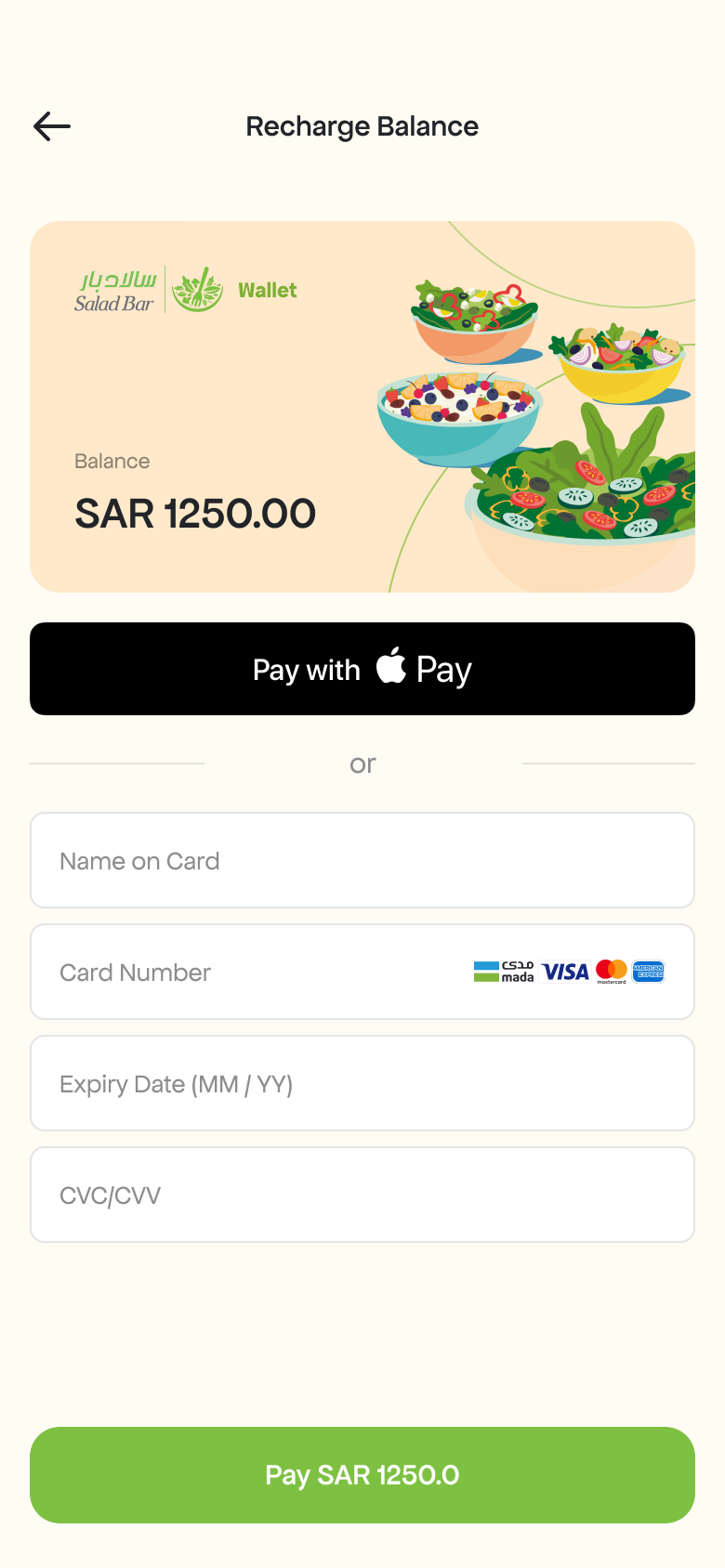
Apple Pay & Card Payment
| # | Screen |
|---|---|
| 1 | Wallet Balance |
| 2 | Recharge Balance |
| 3 | Apple Pay & Card Payment |
Subscriptions & Profile
The Manage Subscriptions screen shows active and expired plans with options to manage meals or pause the plan. The side drawer menu provides quick access to Profile, Subscriptions, Wallet, Contact, and Language settings. Users can edit personal info and switch between English and Arabic.
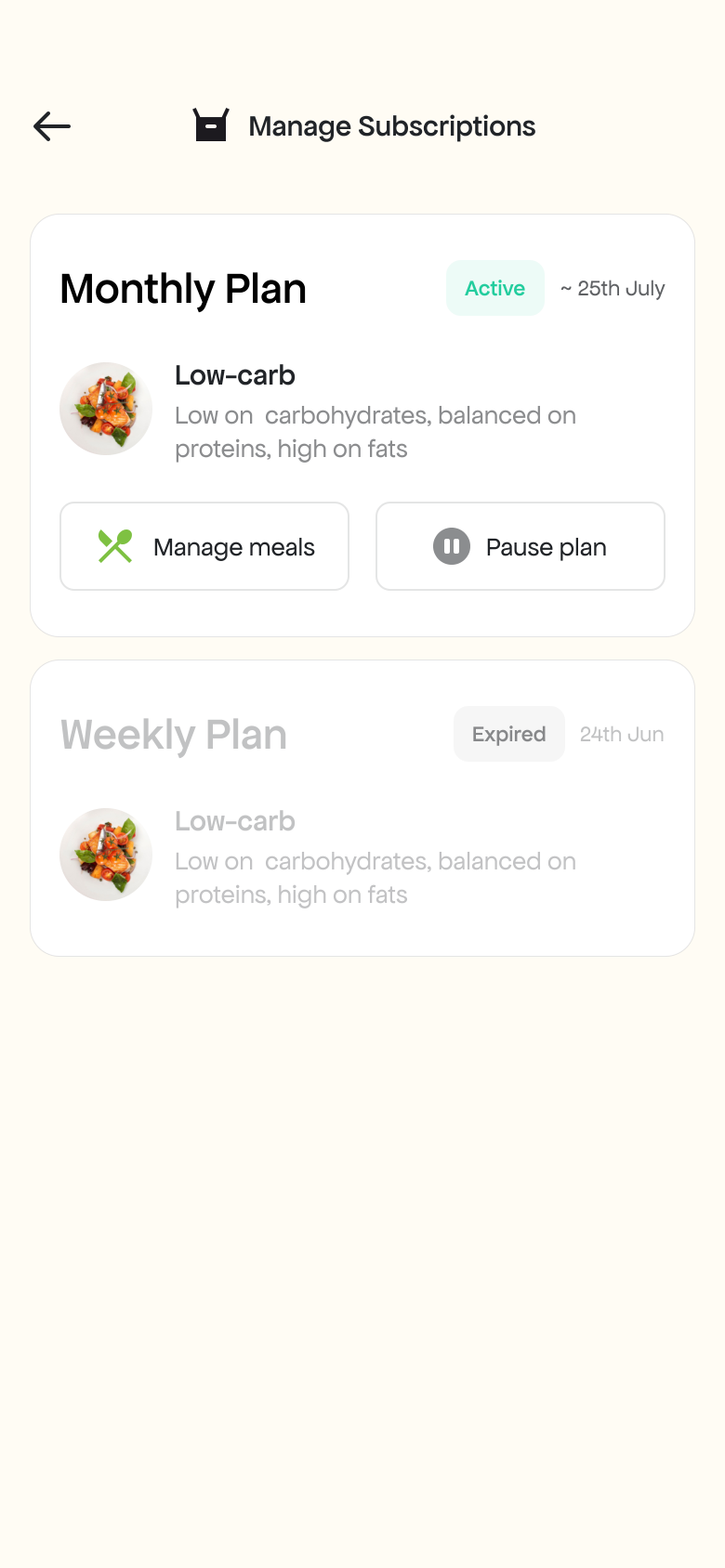
Manage Subscriptions
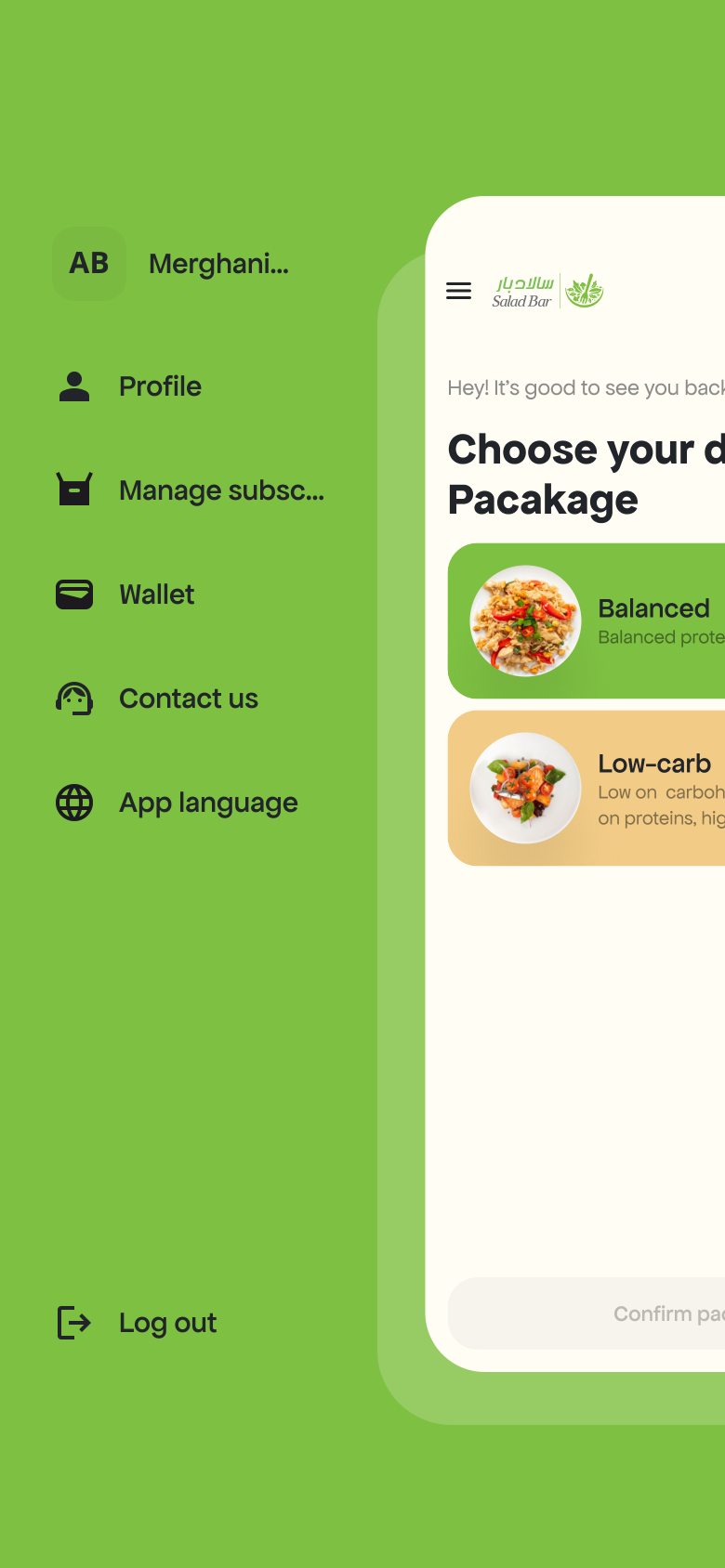
Side Menu
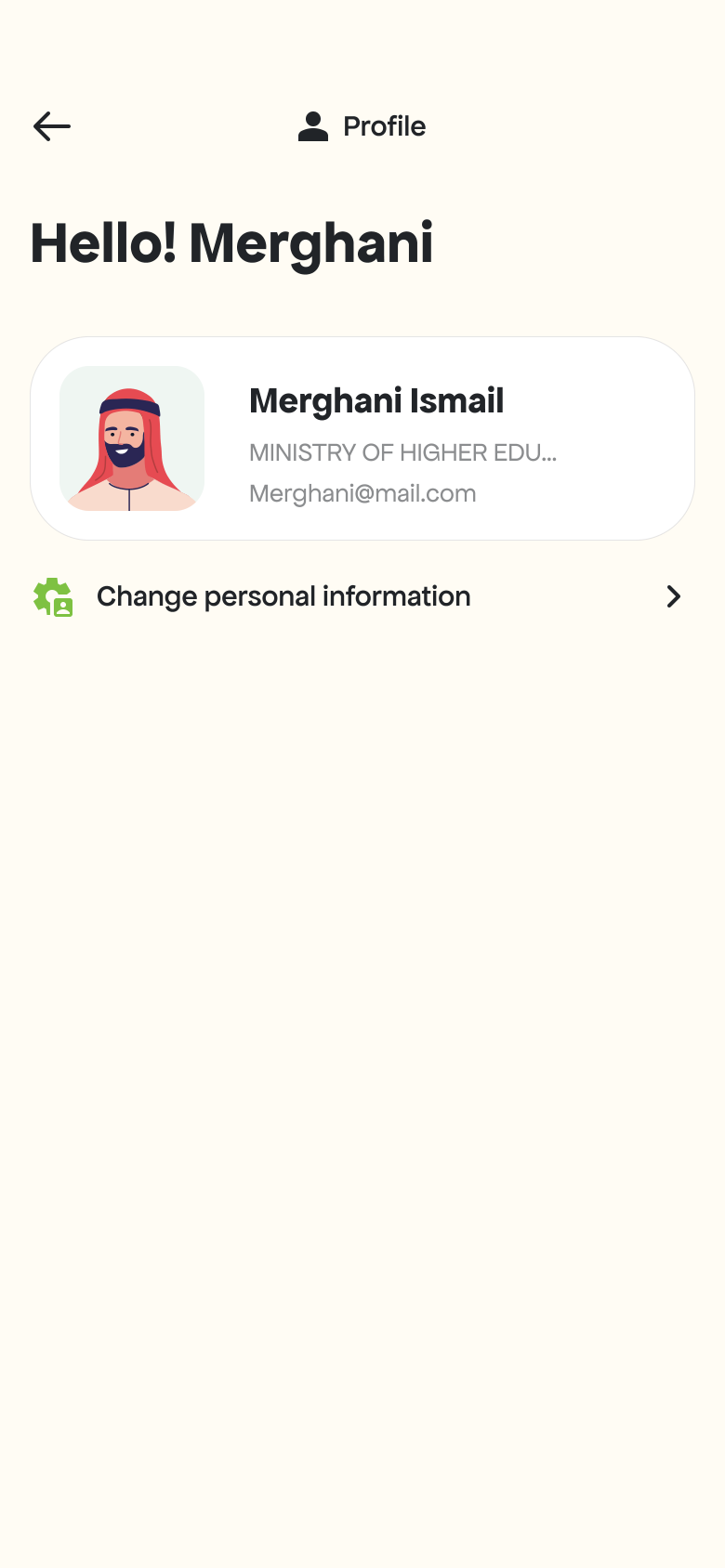
Profile
| # | Screen |
|---|---|
| 1 | Manage Subscriptions |
| 2 | Side Menu |
| 3 | Profile |